
Introduction
Hooking up an old Nintendo console to a new TV can bring back those cherished gaming moments from your past. However, the gap between outdated gaming systems and modern TV technology can make the task seem challenging. This guide will smoothly navigate you through the entire process of connecting your classic Nintendo to contemporary screens.
In this comprehensive tutorial, we’ll cover everything you need: understanding the ports on both your gaming console and TV, gathering essential adapters, and following a detailed connection process. Additionally, we will touch on troubleshooting common issues and offer tips to enhance your retro gaming experience.
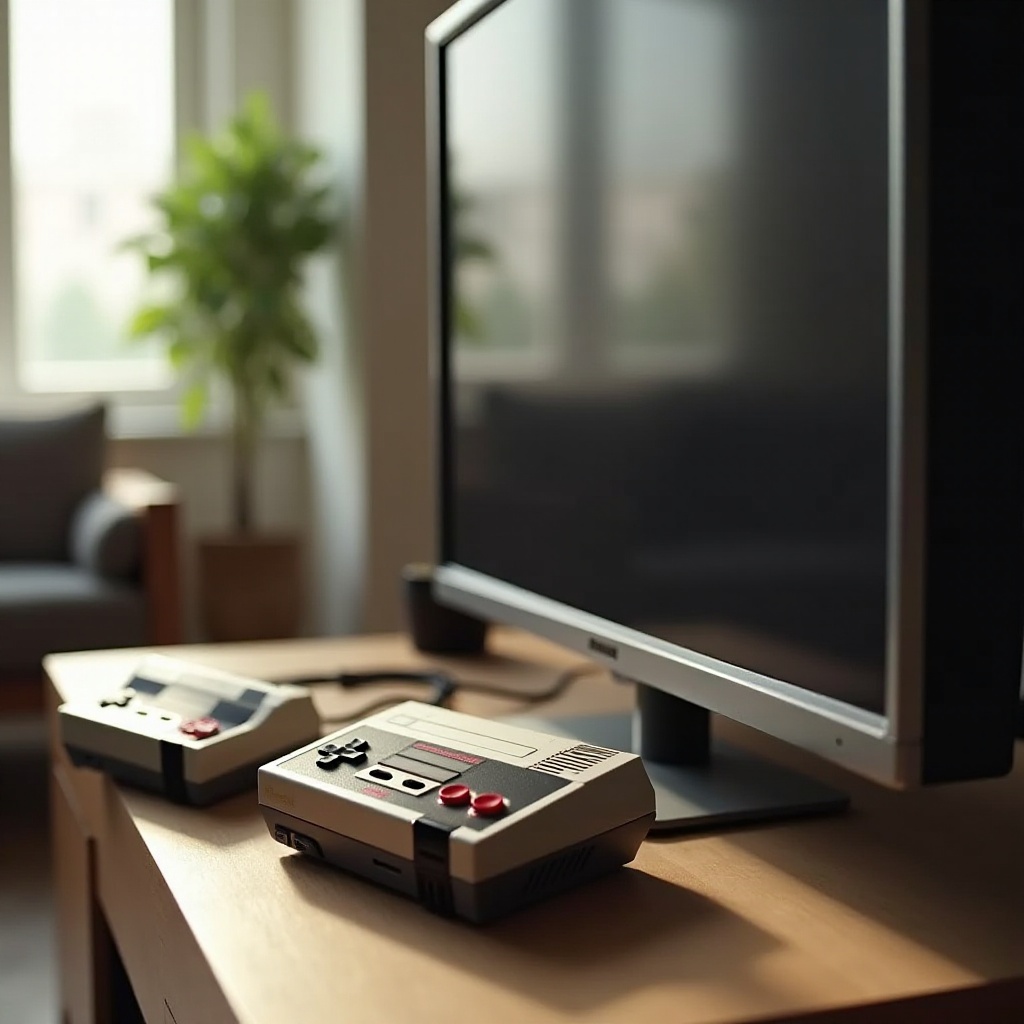
Understanding Your Old Nintendo and New TV Ports
Grasping the types of outputs on old Nintendo consoles and inputs on modern TVs is crucial for setting up your connection effectively.
Types of Outputs on Old Nintendo Consoles
Old Nintendo systems, like the NES and SNES, generally have two main outputs:
– Composite AV Output: The standard connection for most old Nintendo consoles, featuring three RCA jacks—yellow for video, and red and white for audio.
– RF Output: Present in older models, this single connection transfers combined audio and video signals and usually requires tuning through your TV’s coaxial input.
Common Input Ports on New TVs
Modern TVs come equipped with various input options:
– HDMI Inputs: These are the standard for high-definition digital audio and video.
– Composite AV Inputs: Some TVs still support analog signals and have RCA jacks available.
– RF Inputs: Although rarer in modern TVs, some models still include an RF input.
Understanding these output and input options lays the foundation for choosing the right connection method. The next step involves gathering the necessary adapters and cables.
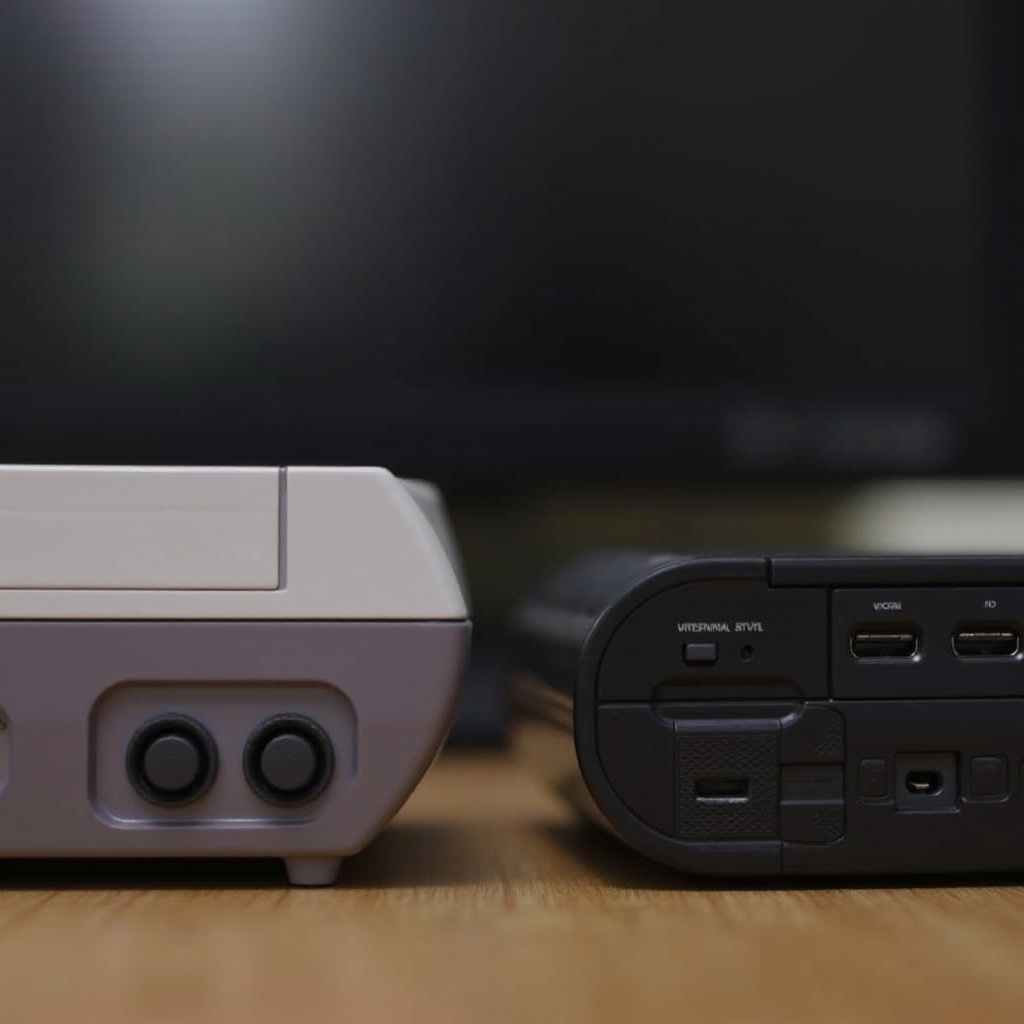
Essential Adapters and Cables Needed
With knowledge about your console’s outputs and your TV’s inputs, it’s time to gather the essential equipment to connect them.
HDMI Converters
For TVs with only HDMI inputs, HDMI converters are your go-to options. These convert analog signals (from composite or RF output) into digital formats compatible with HDMI inputs. Opt for converters specifically designed for retro gaming for optimal performance.
Composite AV Cables
If your TV has composite AV inputs, you’ll need composite AV cables. These are the classic Yellow, Red, and White cables that transmit analog signals directly from your console to your TV.
RF Modulators
If your TV includes an RF input, an RF modulator can transfer signals from the console to the TV. Ensure it features a coaxial input compatible with your TV’s RF output port.
Having the right tools on hand, you are ready to link your old Nintendo to your modern TV using the step-by-step guide provided below.
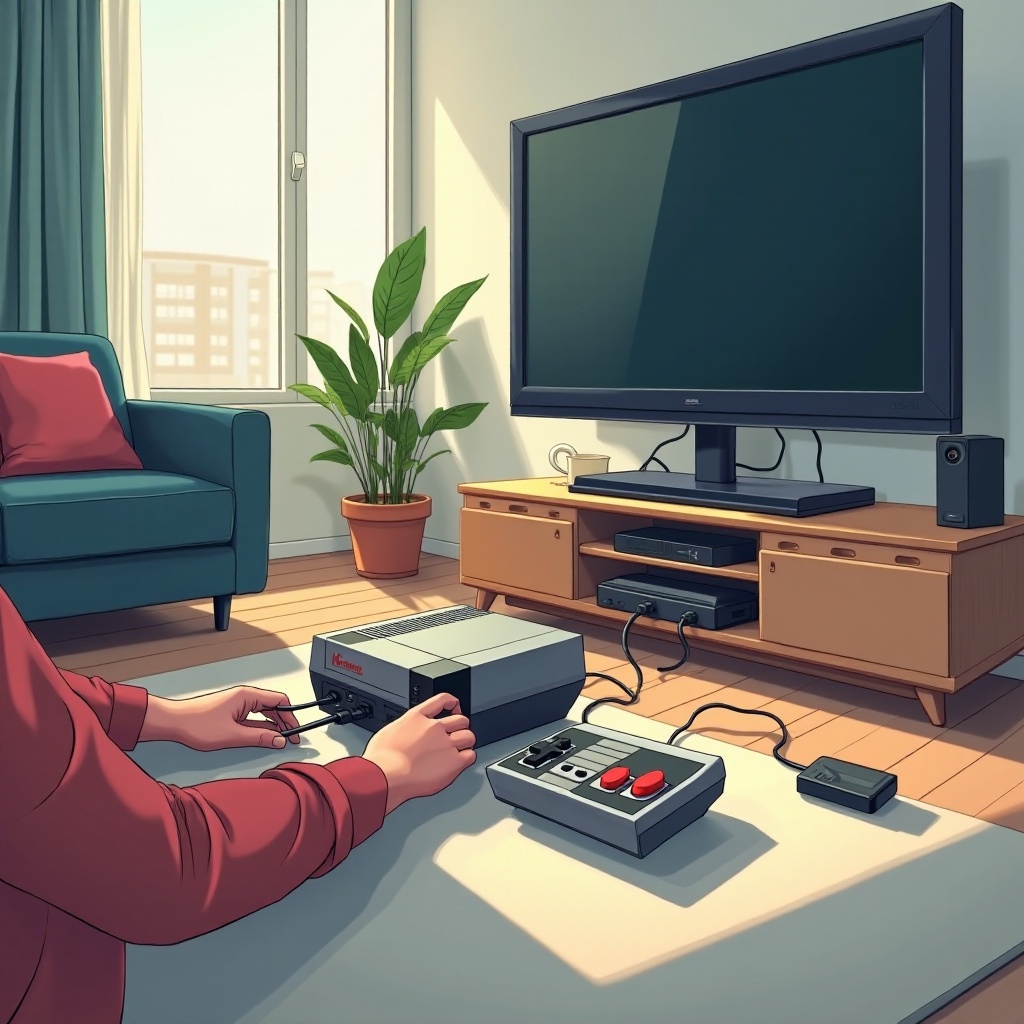
Step-by-Step Guide to Connecting Your Old Nintendo to a Modern TV
Here’s how you can connect your old Nintendo using different methods, depending on your TV’s input capabilities.
Connecting Using an HDMI Converter
- Connect the Console: Plug the AV cables into the old Nintendo’s AV output.
- Attach to Converter: Connect the other end of the AV cables to the HDMI converter input.
- Link to TV: Use an HDMI cable to connect the converter’s HDMI output to one of your TV’s HDMI inputs.
- Switch Input Source: Turn on your TV, then select the appropriate HDMI source using your TV remote.
Using Composite AV Inputs
- Insert AV Cables: Plug the composite AV cables into the matching colored ports on your console.
- Connect to TV: Attach the other end of the cables into the corresponding AV port on your TV.
- Select Input Source: Power on your TV and choose the relevant AV source.
Setting Up with an RF Modulator
- Establish Connection: Attach the RF switch to your Nintendo and connect it to the RF adapter.
- Join to TV: Plug the RF output into the TV’s coaxial input.
- Tune TV Station: Use your TV remote to find the station displaying the console’s video feed.
With your setup now complete, it’s common to encounter a few issues. Let’s take a look at how to address some of the most frequent problems.
Troubleshooting Common Connection Issues
No Video Signal
- Check Connections: Ensure cables are firmly plugged in and connected to the correct ports.
- Verify TV Input: Double-check your TV is set to the correct input source.
Poor Image Quality
- Re-seat Connections: Unplug and replug cables to ensure a snug fit.
- Adjust Converter Settings: Some HDMI converters have resolution switches; adjust them until image quality improves.
Audio Problems
- Volume Settings: Make sure both your TV and console volumes are appropriately set.
- Inspect Cables: Replace any damaged audio cables.
Addressing these issues ensures you get the best experience when gaming. Let’s explore how to further enhance your setup.
Enhancing Your Retro Gaming Experience
Adjusting TV Display Settings
Tweak your TV’s picture settings:
– Aspect Ratio: Choose ‘4:3’ to maintain the game’s original proportions.
– Adjust Brightness/Contrast: Fine-tune settings for vivid, crisp retro visuals.
Using Game Mode for Reduced Input Lag
Activate your TV’s Game Mode to minimize input lag, providing a more responsive and authentic gaming experience.
Incorporating Scanlines for Authenticity
To recreate the nostalgic feel of CRT TVs, use software or hardware that simulates scanlines on your modern display.
With these enhancements, your retro gaming experience can rival and even surpass what it was decades ago.
Conclusion
Connecting an old Nintendo to a modern TV is not just feasible but incredibly rewarding. By following this guide, you can effortlessly enjoy a fusion of nostalgia and modern technology. Whether it’s the thrill of seeing retro graphics or hearing familiar sounds, enjoying your classic games is just a simple connection away.
Frequently Asked Questions
Can I connect my old Nintendo console to a 4K TV?
Yes, you can connect it using an HDMI converter that supports upscaling to match 4K resolution.
What should I do if there’s no sound after connection?
Ensure that your TV and console’s volume settings are correctly adjusted, and check for any loose audio cable connections.
Is there a risk of damaging my TV or console using third-party adapters?
Using reputable and quality adapters should pose no risk. Avoid cheap, poorly built options to ensure the safety of your devices.